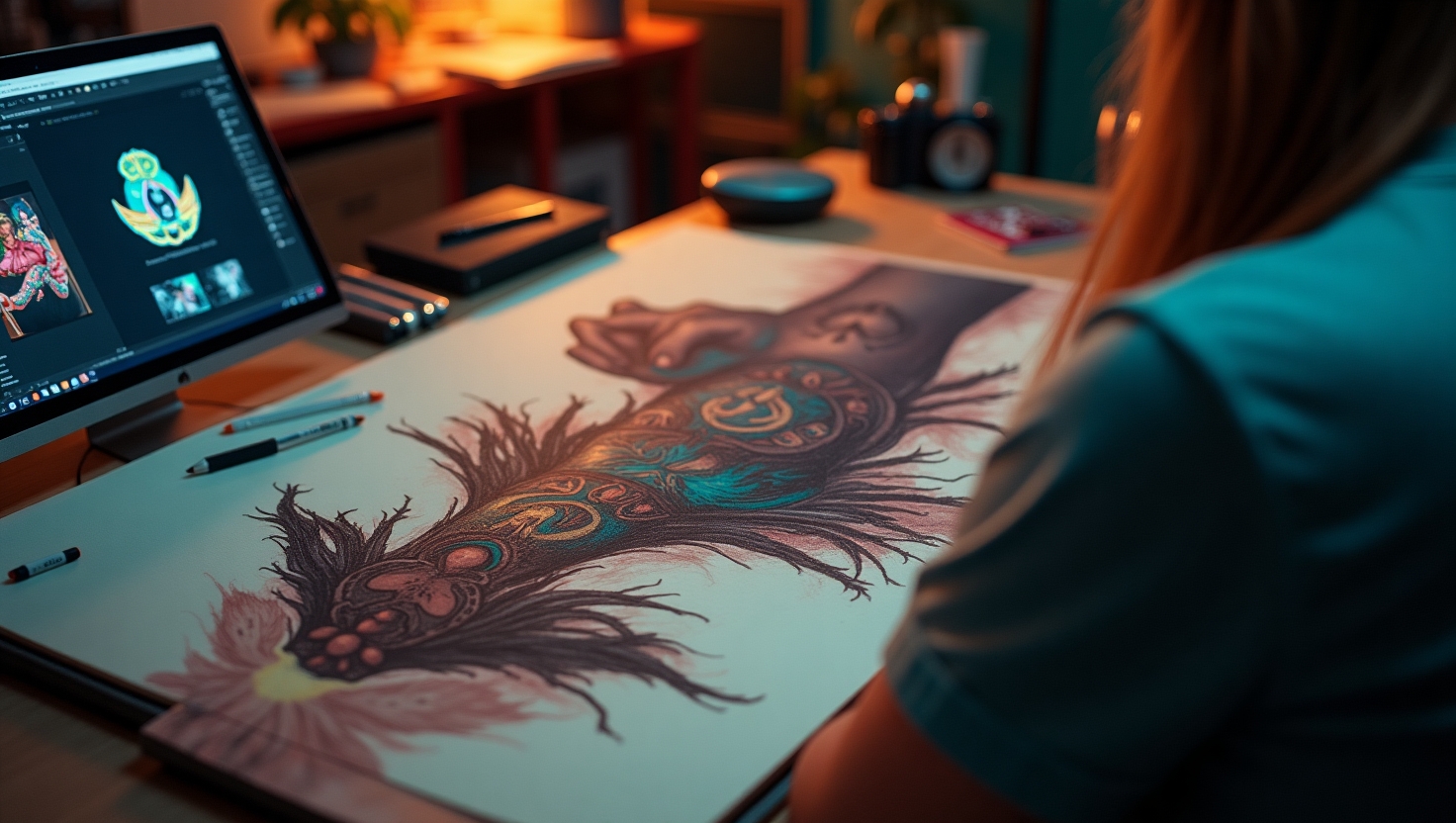
The modern tattoo artist’s toolkit is no longer confined to ink, needles, and sketchbooks. Today, tattoo design software and digital tattoo tools empower artists to push the boundaries of creativity, streamline their workflow, and deliver stunning, client-ready artwork. Whether you’re a seasoned professional or an aspiring artist, understanding the best tattoo art apps can transform your creative process and help you stand out in a competitive industry.
Why Go Digital? The Evolution of Tattoo Art
Traditionally, tattoo designs were hand-drawn, requiring hours of sketching and revision. With the advent of digital tools, artists can now:
- Quickly iterate on concepts and designs
- Experiment with color, shading, and layering
- Share previews with clients for instant feedback
- Store and organize design portfolios efficiently
Digital tattoo tools have become essential for professionals aiming to meet clients‘ evolving expectations and to stay at the forefront of tattoo artistry.
Top Tattoo Design Software for Artists
Choosing the right software depends on your style, technical needs, and workflow preferences. Here’s a breakdown of the most popular and effective tattoo art apps:
1. Procreate
Platform: iPad
Best for: Custom brushwork, intuitive interface, portability
Procreate has become a favorite among tattoo artists for its vast brush library, powerful layering system, and smooth performance on the iPad. The Apple Pencil’s pressure sensitivity allows for precise linework and shading, closely mimicking traditional techniques. Artists love Procreate’s ability to export high-resolution images and its timelapse feature, which is great for marketing on social media.
- Case Study: Sarah G., a black-and-grey specialist, uses Procreate to quickly mock up stencil-ready designs, cutting her consultation time in half.
2. Adobe Photoshop & Adobe Fresco
Platform: Windows, Mac, iPad
Best for: Advanced editing, photo manipulation, versatility
Adobe Photoshop is a powerhouse for photo-realistic tattoo design, collage work, and compositional mockups. Adobe Fresco, designed for digital drawing and painting, provides a more natural brush feel, especially on tablets. Together, they offer unmatched flexibility for artists who need advanced features and cross-platform compatibility.
- Example: Combine a client’s photo with custom illustrations to preview how a tattoo will look on their actual skin.
3. Clip Studio Paint
Platform: Windows, Mac, iPad
Best for: Manga, comic-style tattoos, vector linework
Clip Studio Paint is well-regarded for its inking tools, stabilization features, and vector layers—perfect for artists who crave clean, scalable linework. Its customizable brushes and advanced coloring tools make it popular for both traditional and neo-traditional tattoo artists.
4. Tattoo Smart
Platform: Procreate (add-on), Web
Best for: Stencils, reference guides, tattoo-specific resources
Tattoo Smart isn’t a standalone app, but a suite of resources, brushes, and templates tailored for tattoo artists. These assets, which plug into Procreate or Photoshop, include stencil builders, pattern brushes, and anatomy guides, helping artists save time and improve accuracy.
5. InkHunter
Platform: iOS, Android
Best for: Tattoo placement preview, client consultations
InkHunter uses augmented reality to let clients and artists preview tattoos on their skin in real time. This is invaluable for consultations, allowing clients to visualize the final result before committing.
- Actionable Tip: Use InkHunter during consultations to reduce design revisions and boost client confidence.
6. Autodesk Sketchbook
Platform: Windows, Mac, iOS, Android
Best for: Sketching, quick ideation, cross-device use
Autodesk Sketchbook offers a clean, distraction-free interface with an extensive set of brushes and drawing tools. Its compatibility across devices makes it a reliable tool for artists who work on the go.
Key Features to Look for in Tattoo Design Software
- Pressure sensitivity: Essential for realistic shading and linework
- Layer management: Allows complex compositions and non-destructive editing
- Brush customization: Mimics real tattoo techniques and styles
- Stencil generation: Converts artwork into ready-to-transfer stencils
- Export options: High-resolution files for printing and archiving
- Client preview tools: Enables realistic placement and visualization
Prioritize these features based on your specific workflow and tattoo style.
Best Practices: Integrating Digital Tools into Your Tattoo Workflow
- Start with digital sketches: Use your tattoo art app to quickly iterate and gather client feedback.
- Create layers for each design element: Group outlines, shading, and color separately for easy adjustments.
- Use reference photos: Import client photos to plan placements and adapt designs to body contours.
- Export in multiple formats: Save files as both editable and print-ready versions.
- Maintain a digital portfolio: Organize your best work by style, date, and project for easy sharing.
These steps ensure a smoother process from concept to skin, reducing errors and improving client satisfaction.
Case Study: Digital Transformation in a Modern Tattoo Studio
Studio: Ink & Iron, San Francisco
Challenge: Slow design revisions, difficulty visualizing tattoos on clients
Solution: The studio implemented Procreate and InkHunter for all consultations. Artists developed custom brush packs for common motifs and used clients’ photos to mock up designs. Clients previewed tattoos on their bodies using AR, making the process interactive and collaborative.
Results: Design approval time dropped by 40%, and client satisfaction scores improved, leading to more referrals.
Actionable Takeaways for Tattoo Artists
- Invest in a tablet and stylus for flexibility and precision.
- Experiment with multiple tattoo design software options to find your ideal workflow.
- Join online communities to download free brush packs and share tips with other artists.
- Leverage AR apps like InkHunter to enhance client consultations.
- Regularly back up your digital portfolio and stencil files.
Internal Resources and Further Reading
- Best Tattoo Stencil Printers for Professionals
- How to Create Tattoo Stencils Digitally
- Essential Tools Every Tattoo Artist Needs
Conclusion: Embrace the Digital Era of Tattoo Art
The right tattoo design software and digital tattoo tools can take your art to new heights. Whether you’re refining your process, seeking more creative freedom, or aiming to impress clients, today’s tattoo art apps offer endless possibilities. Start exploring these tools and see how digital innovation can enhance your artistry and business.