
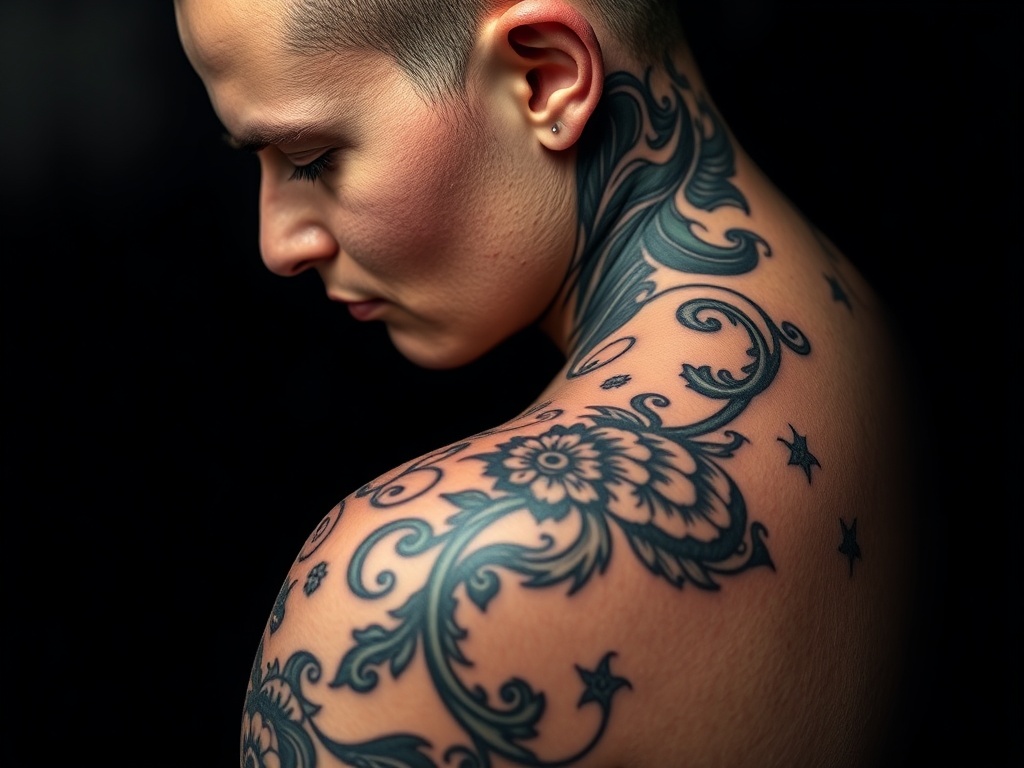
In the ever-evolving world of tattoo artistry, digital innovation has unlocked a new era of creativity and efficiency. Tattoo design software and digital tattoo art tools have become essential for artists seeking to streamline their workflow, experiment with new techniques, and deliver exceptional client experiences. This comprehensive guide dives deep into the best digital tools for tattoo design, comparing top software, sharing real-world examples, and offering practical tips for artists at every level.
Why Digital Tattoo Design Tools Matter
Gone are the days of sketching exclusively on paper. Today’s tattoo artists use digital platforms to:
- Experiment with styles, colors, and placements
- Speed up revisions based on client feedback
- Present realistic previews on client photos
- Build a professional digital portfolio
- Maintain consistency and accuracy in stencil creation
Whether you’re a solo artist or running a busy studio, integrating digital tools can enhance creativity and productivity.
Top Tattoo Design Software and Apps (2024 Review)
Let’s explore the leading tattoo design software and digital tattoo art tools, each with unique strengths for different workflows and budgets.
1. Procreate
Platform: iPad (iOS)
Overview: Procreate is a favorite among professional tattoo artists for its intuitive interface, powerful brush engine, and unmatched customizability. Artists can create lifelike designs, experiment with endless brushes, and use layering for complex compositions.
- Strengths: Pressure-sensitive drawing, high-res canvas, easy exports, community brush packs
- Drawbacks: iPad only, no dedicated tattoo stencil features
Case Study: See how renowned artist Jamie Lee uses Procreate to create hyper-realistic tattoo previews for her clients.
2. Adobe Photoshop & Fresco
Platform: Windows, Mac, iPad
Overview: Adobe’s suite offers industry-standard tools for digital art. Photoshop excels at complex editing, color correction, and photorealistic mockups, while Fresco brings natural brush dynamics for sketching and inking on tablets.
- Strengths: Extensive editing capabilities, works with photos for placement previews, professional-grade output
- Drawbacks: Subscription cost, steeper learning curve
Example: Many studios use Photoshop to superimpose tattoo designs on client photos, helping with placement decisions and approvals.
3. CorelDRAW
Platform: Windows, Mac
Overview: CorelDRAW is prized for its vector graphics capabilities, making it ideal for artists who want crisp, scalable designs—perfect for stencils, logos, and geometric tattoo art.
- Strengths: Precise vector tools, large template library, stencil-ready exports
- Drawbacks: Less intuitive for freehand sketching, requires more setup
4. InkHunter
Platform: iOS, Android
Overview: InkHunter shines as an augmented reality (AR) app that allows clients and artists to preview tattoos on real skin using a smartphone camera. This tool bridges the gap between concept and reality, reducing client uncertainty.
- Strengths: Real-time AR previews, easy to use, free basic version
- Drawbacks: Limited editing tools, best as a supplement to other software
Tip: Use InkHunter during consultations to help clients visualize placement and size before committing.
5. Tattoo Smart
Platform: Procreate add-ons, Photoshop
Overview: Tattoo Smart provides professional brush packs, stencil makers, and design tools created specifically for tattoo artists. These resources integrate with Procreate and Photoshop, giving artists tattoo-focused functionality.
- Strengths: Industry-specific tools, time-saving assets
- Drawbacks: Requires base software (Procreate/Photoshop)
6. Sketchbook (Autodesk)
Platform: Windows, Mac, iOS, Android
Overview: Sketchbook offers a free, feature-rich drawing environment with an emphasis on smooth, natural sketching. Its clean interface and cross-platform support make it ideal for artists who work on multiple devices.
- Strengths: Free, intuitive, supports layers and export formats
- Drawbacks: Fewer advanced features than Procreate/Photoshop
7. MediBang Paint
Platform: Windows, Mac, iOS, Android
Overview: Popular among illustrators and comic artists, MediBang Paint is also great for tattoo design. It features cloud syncing, a wide brush selection, and easy sharing.
- Strengths: Free, cloud integration, community resources
- Drawbacks: Ads on free version, learning curve for beginners
8. Tattoodo Creator
Platform: Web
Overview: Tattoodo’s web-based design tool empowers both artists and clients to create and share tattoo concepts. It’s particularly useful for collaborative projects or initial brainstorming with clients.
- Strengths: Community features, easy sharing, web access
- Drawbacks: Basic editing compared to dedicated software
How to Choose the Right Tattoo Design Software
Selecting the best digital tattoo art tools depends on your workflow, budget, and artistic style. Consider:
- Device Compatibility: Are you on iPad, desktop, or Android?
- Design Needs: Do you need detailed illustration tools, vector stencils, or AR previews?
- Budget: Are you seeking free apps or willing to invest in premium software?
- Learning Curve: How much time can you invest in mastering new tools?
- Integration: Will you use the software with other apps (e.g., Photoshop plugins or Procreate brushes)?
Case Studies: Digital Tattoo Art in Action
Case Study 1: Streamlining Client Consultations with Procreate & InkHunter
Studio Urban Ink in Berlin revolutionized their consultations by combining Procreate for design creation and InkHunter for real-time placement previews. Clients reported improved satisfaction, and design approval time dropped by 40%. This digital-first approach also boosted the studio’s online portfolio, attracting new clients seeking custom work.
Case Study 2: Collaborative Tattoo Projects Using CorelDRAW
At Blue Lotus Tattoo, artists collaborate on large-scale geometric tattoos using CorelDRAW’s vector tools. The software enables multiple artists to iterate on a single design, ensuring clean lines and precise stencil exports. The result: seamless teamwork and consistently high-quality results.
Best Practices for Digital Tattoo Design
- Invest in a Pressure-Sensitive Stylus: Tools like the Apple Pencil or Wacom tablets replicate the feel of real inking.
- Use Layers Strategically: Separate line work, shading, and color for easier edits and revisions.
- Export in High Resolution: Ensure clarity for printing stencils or sharing portfolios.
- Leverage Community Resources: Download custom brushes, stencils, and templates from artist communities or platforms like our curated resource guide.
- Keep Backups: Use cloud storage or external drives to safeguard your digital artwork.
Integrating Digital Tattoo Art Tools into Your Workflow
Start by digitizing your sketch process, then experiment with advanced features like mockup overlays or AR previews. Engage clients with interactive design reviews, and use software features to speed up revisions. Over time, digital tattoo design software can help you grow your brand and deliver a more professional, efficient service.
Actionable Takeaways
- Test several tattoo design software options before settling on your main toolset.
- Combine apps (e.g., sketch in Procreate, refine in Photoshop, preview in InkHunter) for maximum flexibility.
- Educate clients on the digital design process to enhance trust and collaboration.
- Update your digital portfolio regularly to showcase your skills and attract new clients.
Further Reading
- Digital Tattoo Art: Trends & Inspiration
- How to Choose the Right Tattoo Equipment
- Best Resources for Tattoo Artists
Conclusion
Embracing digital tattoo art tools empowers artists to push creative boundaries, collaborate more effectively, and deliver outstanding client results. Whether you’re new to digital workflows or refining your professional toolkit, the right tattoo design software is a game-changer for modern tattoo artistry.


